Ergonomic Gaming & Office Swivel Chair Comfort That Adapts All Day
A single chair that can shift from focused desk work to a laid-back recline can simplify a room and make long days feel easier. Whether you’re juggling remote work, studying, gaming, or pulling up extra seating at a dining table, the right swivel chair comes down to a few essentials: dependable support, smart adjustability, stable movement, and a fit that matches your space.
For general workstation setup guidance, the OSHA Computer Workstations eTool and NIOSH ergonomics resources are helpful references for posture, screen height, and reducing strain over time.
Who This Chair Setup Suits Best
- Hybrid spaces like bedrooms, dorms, and small apartments where one chair needs to cover desk work and downtime.
- Long seated sessions including study marathons, remote work days, or extended gaming.
- Swivel-friendly routines where you move between desk, shelves, and side tables without getting up repeatedly.
- Break-takers who prefer a recline option for quick resets instead of switching to a separate lounge chair.
Comfort Fundamentals: Support That Holds Up Over Time
- Back support: A backrest shape that encourages upright posture helps keep shoulders relaxed while typing and reading.
- Seat comfort: A supportive cushion should feel firm enough to resist bottoming out while still relieving pressure during longer sits.
- Edge design: A seat front that doesn’t dig into the backs of the knees supports circulation and comfort.
- Arm support: Armrests should reduce shoulder tension while keeping elbows near desk height for keyboard and mouse work.
A simple test: sit all the way back, place feet flat, and check whether you can keep your head stacked over your shoulders without “perching” on the seat edge. If you feel pushed forward or you’re constantly sliding, the seat depth or back shape may not match your body.
Adjustability and Recline: Moving Between Focus and Relaxation
- Seat height range: Aim for feet flat on the floor with knees near a right angle.
- Recline function: Great for short breaks, especially when paired with stable tilt resistance and a secure lock (if available).
- Swivel and mobility: Smooth swivel makes it easy to pivot between work zones; stability matters most when turning or reclining.
- Armrest positioning: If adjustable, align them so wrists stay neutral while mousing, writing, or using a controller.
For many setups, the “sweet spot” is an upright position for active tasks, plus a modest recline angle reserved for breaks. That separation keeps posture consistent when you need focus, without giving up the comfort of leaning back when you’re off the clock.
Study, Office, Gaming, and Dining: Getting One Chair to Work in Four Roles
- Office work: Prioritize upright support and arm placement to reduce neck and shoulder fatigue over a full day.
- Studying: A steady, supportive backrest helps you maintain attention and reduces slouching during reading or note-taking.
- Gaming: A comfortable seat and reliable recline support longer sessions and quick posture changes between matches.
- Dining use: Make sure the chair can tuck under the table and that armrests (if present) won’t collide with the tabletop or apron.
Dining is often the trickiest “bonus role.” Even if the chair is comfortable, it needs the right geometry: the seat must slide in far enough that you’re not reaching for your plate, and the arm height can’t fight the underside of the table.
Fit Checklist: Measure Before Buying
Quick Fit and Setup Checklist
| What to check |
Target result |
Why it matters |
| Seat height vs. floor |
Feet flat; knees near 90° |
Improves comfort and reduces leg fatigue |
| Desk-to-armrest clearance |
Armrests slide under or align with desk |
Prevents shoulder shrugging and cramped posture |
| Seat depth |
2–3 fingers between seat edge and knee |
Reduces pressure behind knees |
| Recline clearance |
Adequate space behind chair |
Avoids collisions and encourages taking breaks |
| Base stability |
No wobble during swivel or recline |
Supports safety and confidence while moving |
Materials, Care, and Everyday Durability
Assembly, Safety, and Setup Tips
Product Spotlight: Ergonomic Gaming & Office Swivel Chair
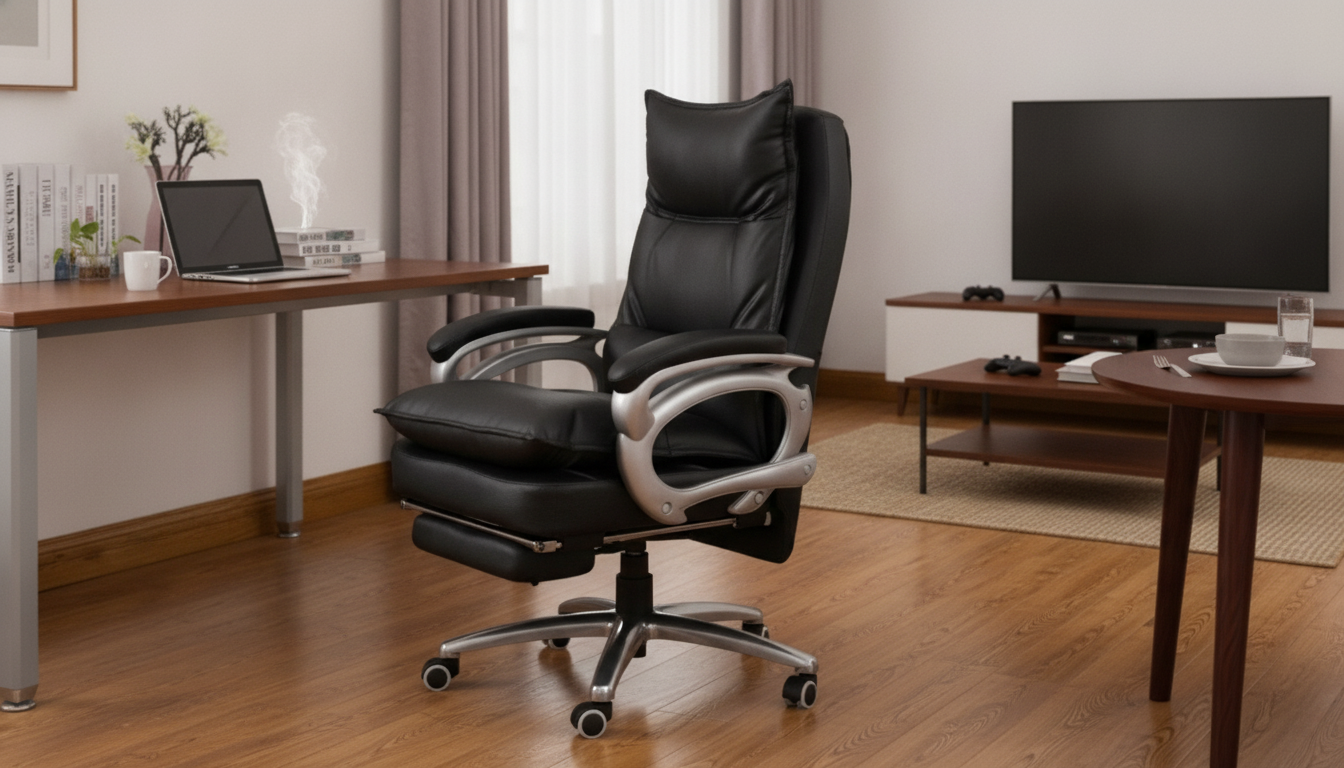
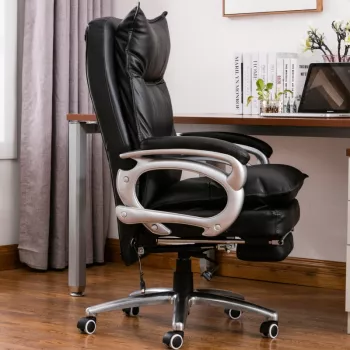
If you want one chair that can cover desk posture and relaxing breaks, the Ergonomic Gaming & Office Swivel Chair: Recliner, Study, and Dining Comfort is designed around that mixed-use reality. The swivel base helps you pivot between a keyboard, notebooks, and side-table essentials, while the reclining option supports short reset breaks without changing rooms.
Alternatives for Different Budgets and Room Styles
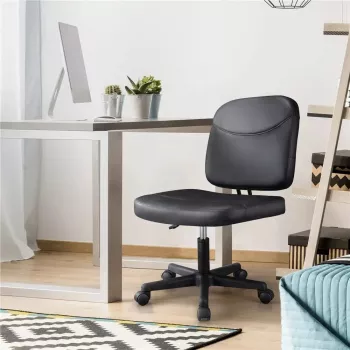
- For a minimal office look: the Sleek Black Height Adjustable Swivel Office Chair keeps the setup simple and compact, which can work well at smaller desks.
- For shared spaces: consider pairing your chair setup with storage that reduces clutter around the workstation—the Mid Century Modern 3 Drawer Dresser can help keep accessories, controllers, or study supplies out of sight so the room reads more like a living space.
- For occasional use: prioritize easy cleaning and basic adjustability over advanced reclining features, especially if the chair is mostly for short sessions.
FAQ
Is a reclining swivel chair practical for studying at a desk?
Yes, as long as you set it up for upright posture first: adjust seat height so feet stay flat and elbows are near desk height. Use recline for breaks rather than for active reading or typing, and keep the monitor at a height that doesn’t force your chin forward.
How can one chair work for both desk work and dining?
Focus on seat height adjustment and armrest clearance so the chair can tuck under the table when needed. Measure the underside of the tabletop and compare it to the chair’s arm height and seat height range to avoid collisions and awkward reaching.
What is the safest way to use the recline feature?
Keep your weight centered over the base, plant your feet for stability, and use any tension or lock features as intended. Make sure there’s enough clearance behind the chair before leaning back, and periodically re-tighten bolts after the first weeks of use.
Recommended for you








Leave a comment